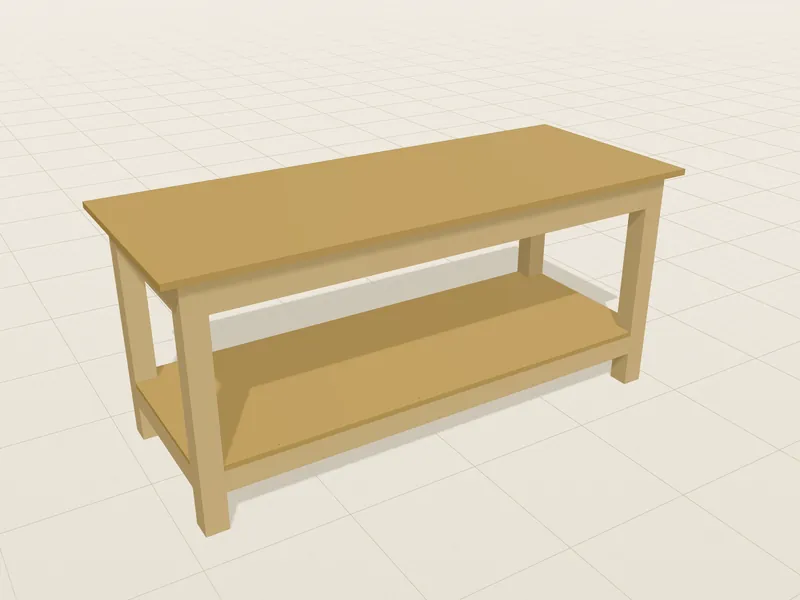
Simple workbench – plan with this template
For getting started: a screwed frame with the rails between the legs, a single-layer OSB worktop and a lower shelf – built with a drill/driver and a saw.
3D workbench planner · in your browser
Plan a workbench to your measurements – with parts list, cut list and build plan as a PDF.
Choose dimensions, wood and features, check the model in 3D, download the finished build plan. No installation, no account.
Welcome back Your project is saved in this browser.
Continue planning
Every part, every joint – turn it, take it apart, check it.
All parts with sizes, material and costs.
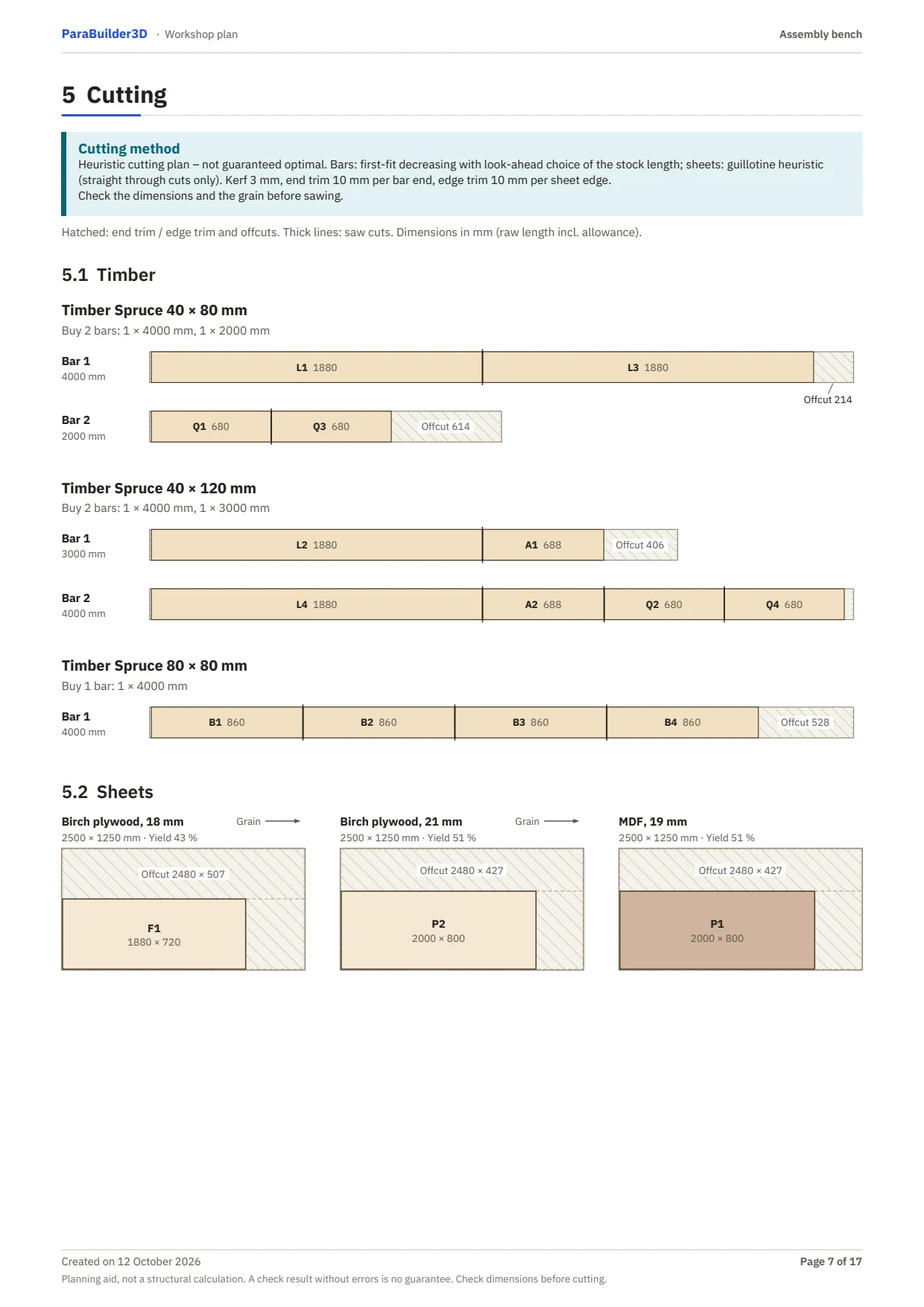
A cut list, and sheets and timber laid out with little waste.
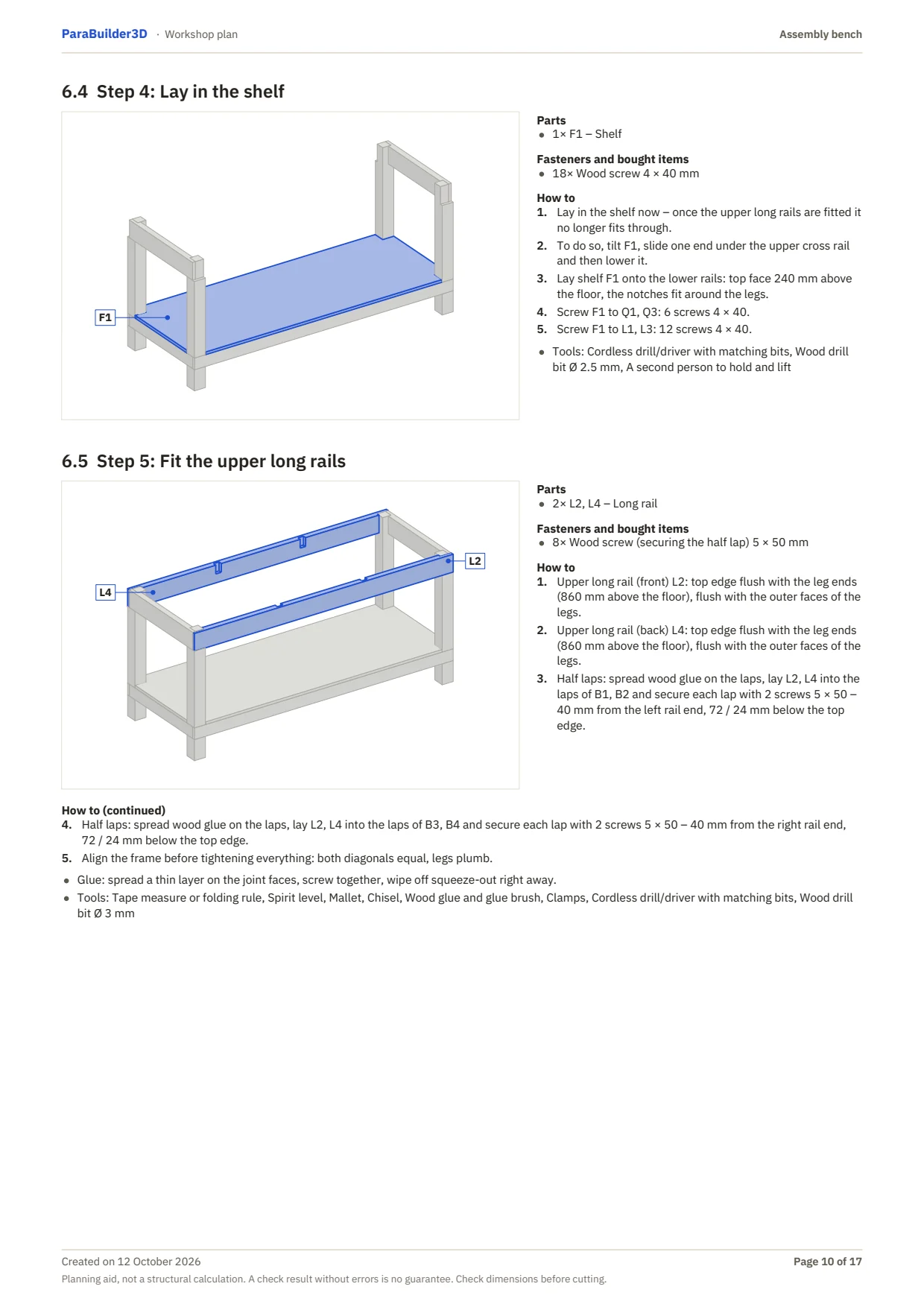
Workshop plan and detail plan with assembly steps.
01 How it works
Start from a template and enter length, depth and working height to the millimetre. Then wood, worktop layers, shelf, drawers, casters or a table saw.
Turn the workbench, show the joints and take it apart in the exploded view. The planner checks your design as you go – for collisions, screw lengths and sag, for example.
With the 30-day pass you get the workshop plan and detail plan as PDFs – plus the build helper right on the 3D model. Planning stays free.
02 The build plan
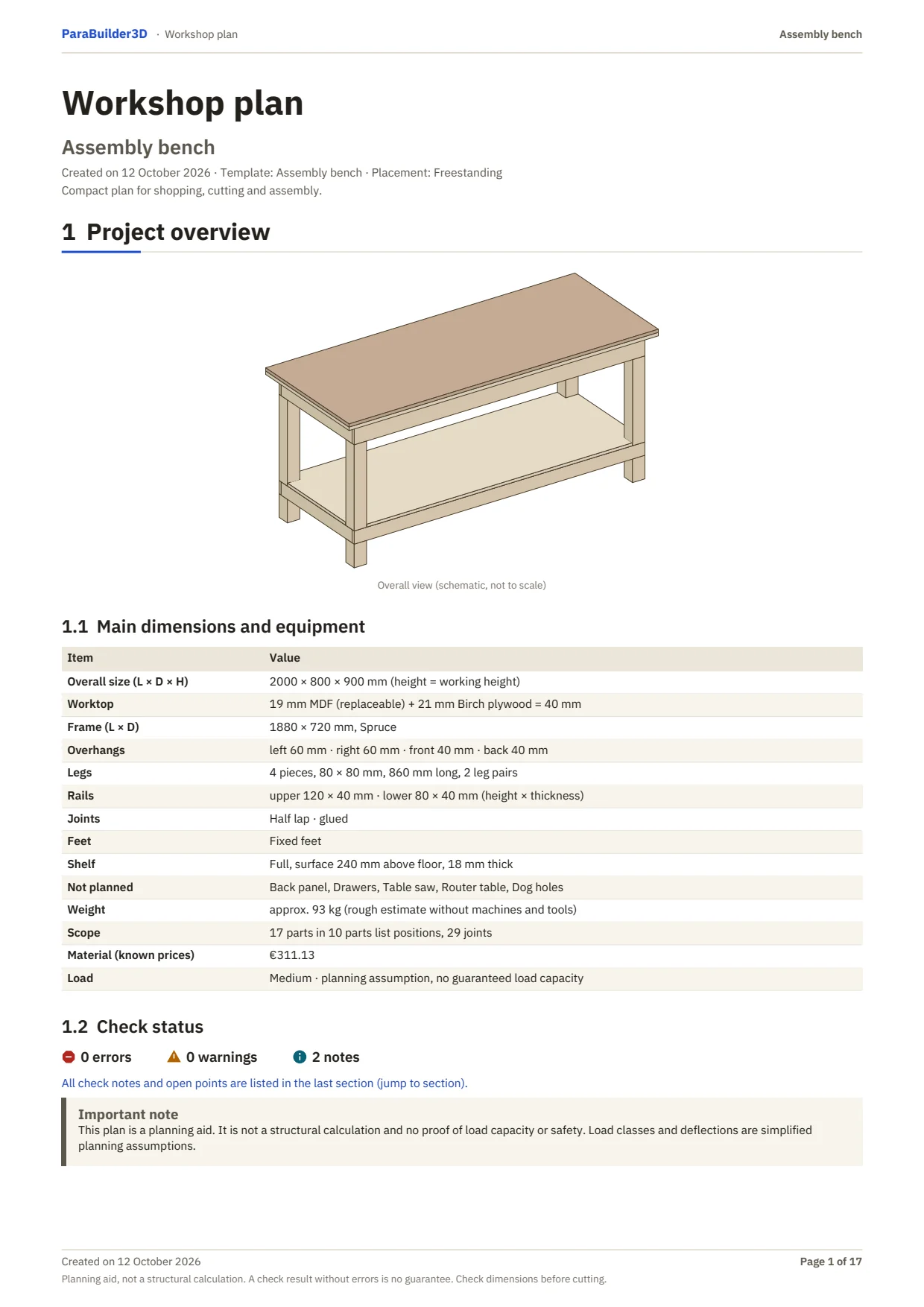
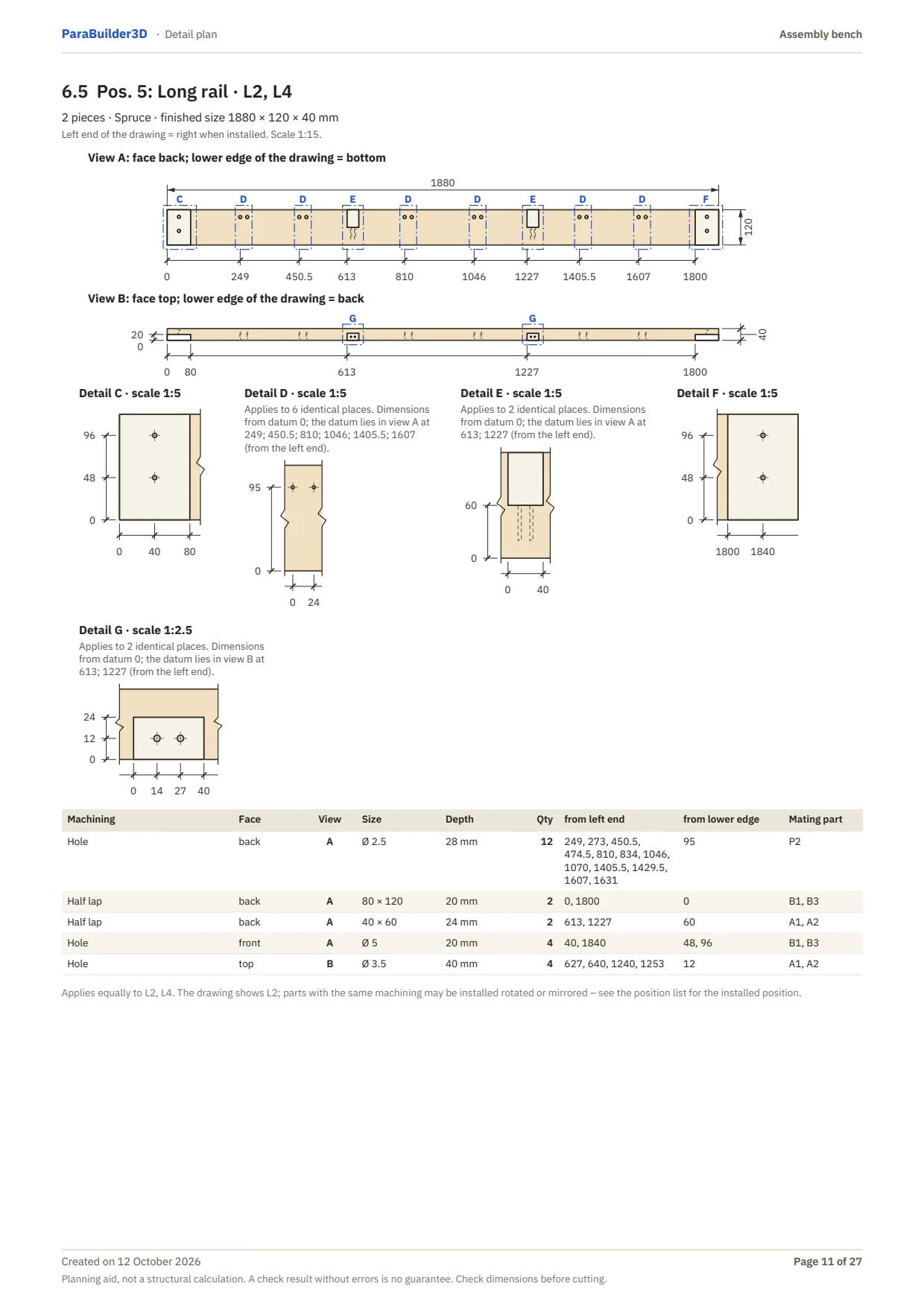
Your plan package is two PDF documents, generated from your exact workbench – not a stock drawing. With dimensions, parts list and cutting plan you can buy the wood and get started.
Compact for the workshop
Everything in detail
ParaBuilder3D is a planning aid – not a structural calculation.
03 Build helper
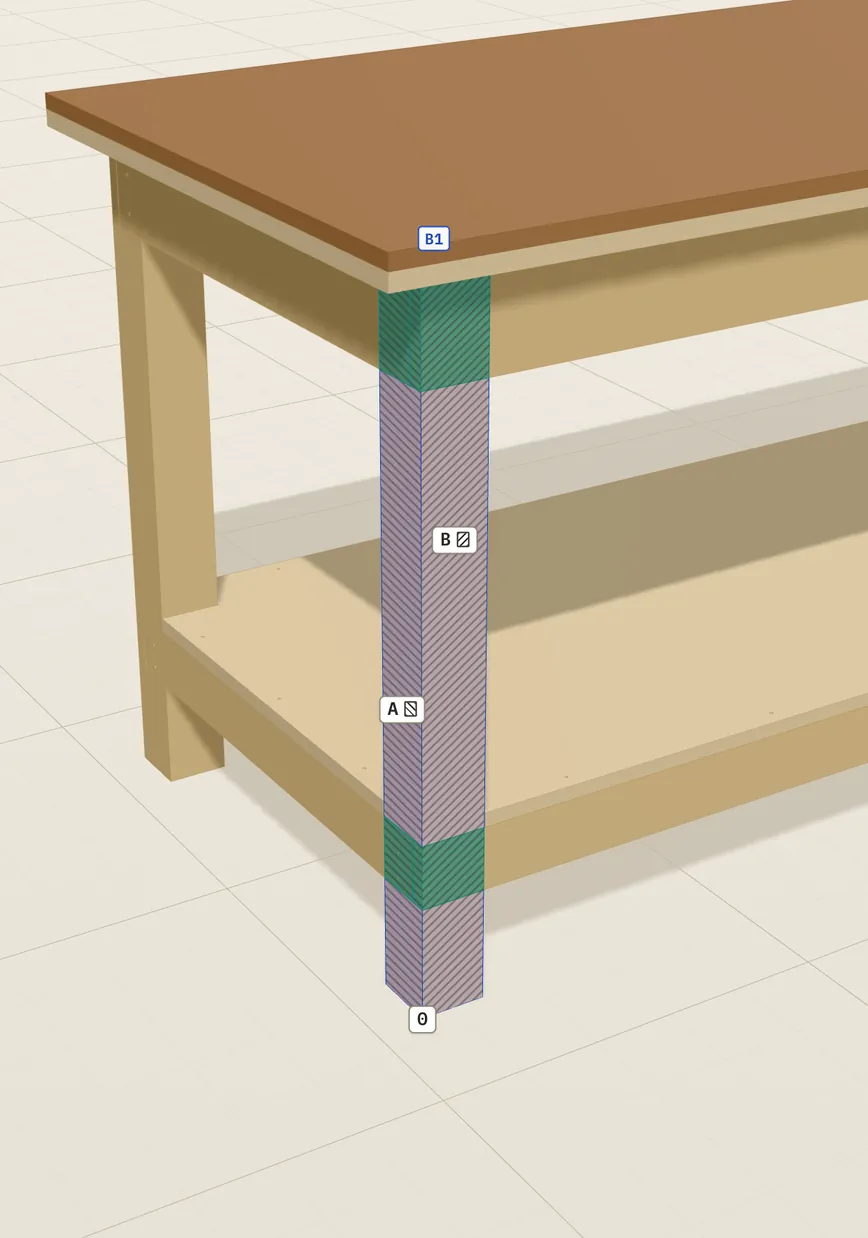
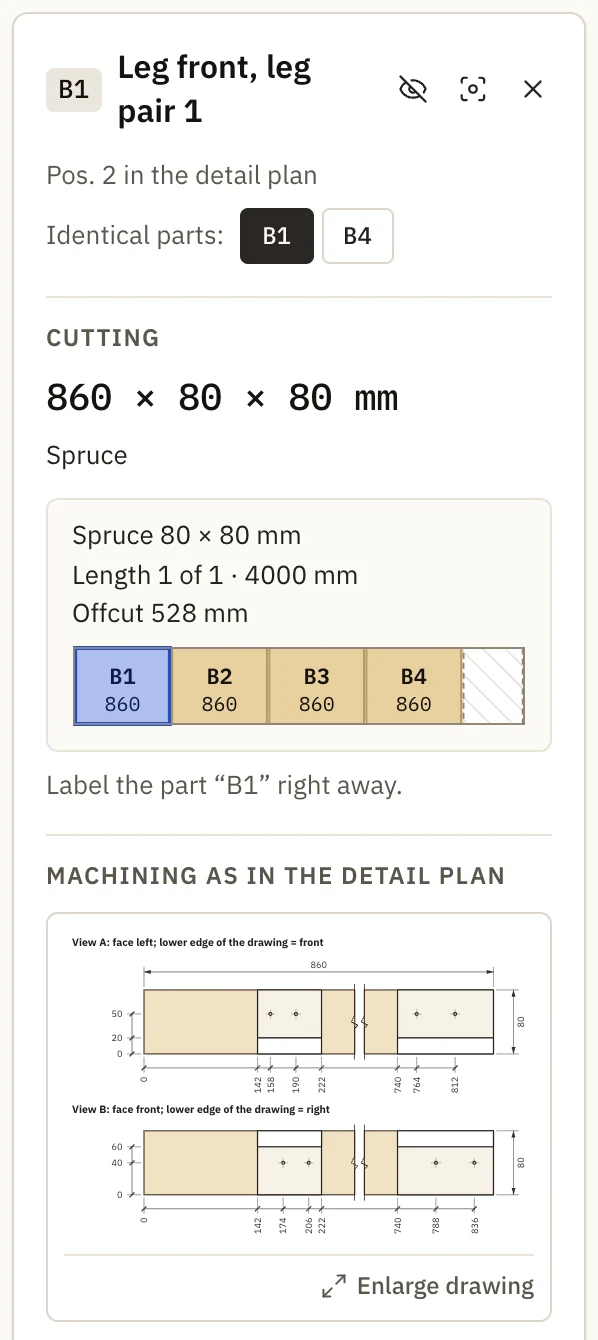
While you build, the plan is right on the model. Click a part in the 3D view and the build helper shows what you need for it.
04 Templates
Each template is a complete design you can adapt freely – dimensions, wood and features. Pick one and the planner opens with it.
For getting started: a screwed frame with the rails between the legs, a single-layer OSB worktop and a lower shelf – built with a drill/driver and a saw.
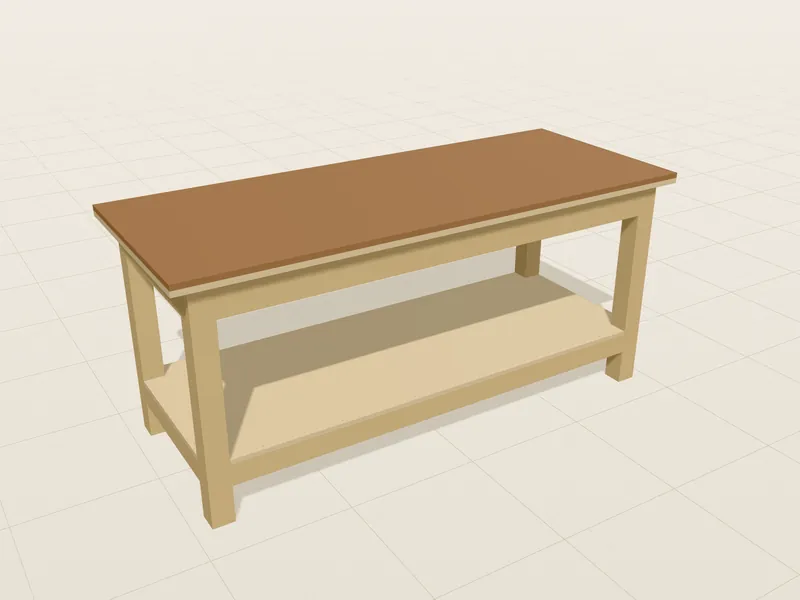
Sturdy all-round workbench with half laps, continuous rails and a lower shelf.
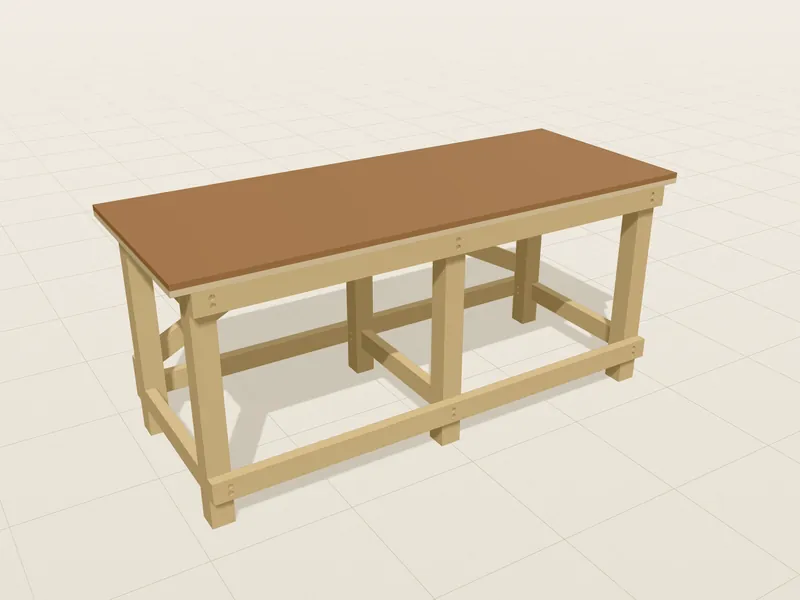
Knock-down workbench: glued end frames with tenons, long rails with bolts and cross dowels, diagonal braces at the back.
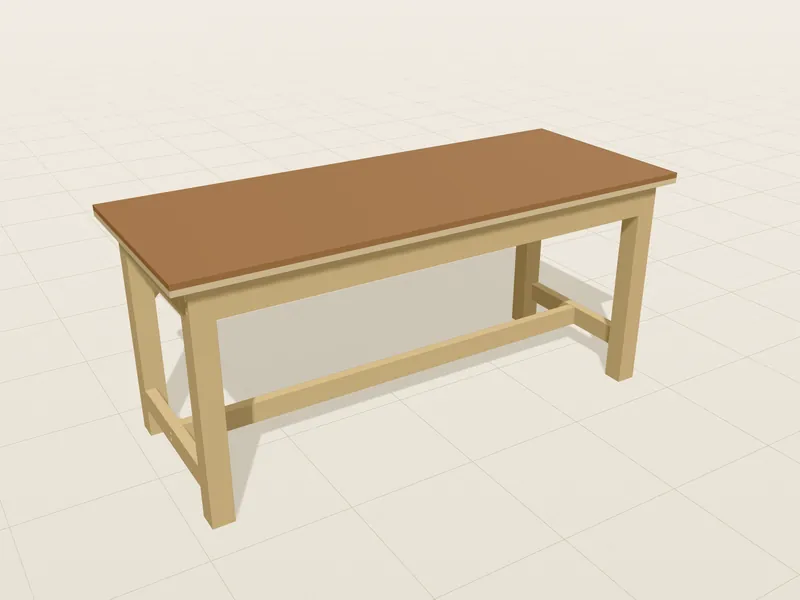
Workbench on a classic H-frame: centre beam, mortise and tenon joints and knee braces.
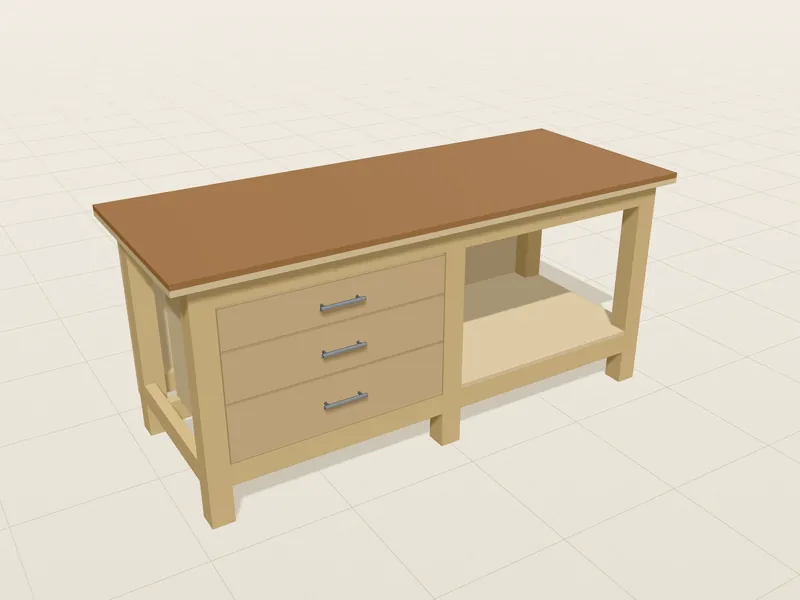
Workbench with drawers: a drawer module, a one-sided shelf and a closed back panel.
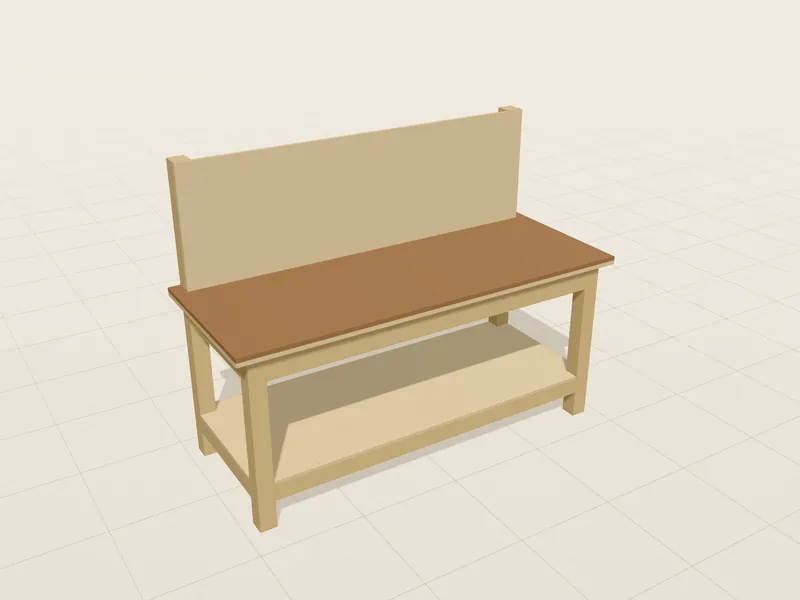
Stands against the wall, no overhang at the back, tool wall above the worktop.
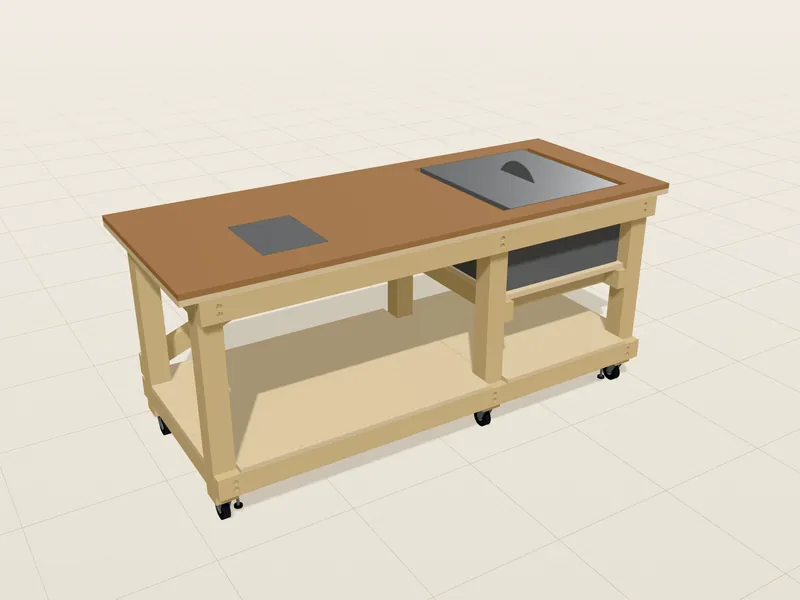
Mobile machine workbench with table saw, router table and casters with levelling feet on a reinforced base.
05 Price
You see everything before you pay. You only buy the pass in the planner once your design is ready.
€0free, no account
€14.99one-off · final price · no subscription
Payment via Stripe (card, Apple Pay, Google Pay) · Cancellation policy
Basic skills with a saw, a drill and a cordless screwdriver are enough for most templates. The workshop plan walks you through the assembly step by step, and the build helper shows how each part is cut and drilled. Mortise and tenon joints – on the H-frame, for example – take a little more practice than half laps and screws.
You enter length, depth and working height to the millimetre. All dimensions in the planner and the PDFs are metric (millimetres) – you can also type inches or feet (72 in, 6 ft, 6′ 2″), the planner converts them, and US lumber sizes (2×4 = 38 × 89 mm, 4×4, 3/4″ plywood ≈ 18 mm) are quick picks. The frame is planned in solid timber – spruce, pine, beech or oak – and the worktop in beech panel, birch plywood, spruce three-ply, MDF, OSB or HDF, also in several layers. The planner suggests the cross-sections from the size and the load class you choose – a planning assumption – or you set them yourself.
You get two PDFs. The workshop plan contains an overview, parts list, a shopping list to tick off, cutting plans and assembly steps with drawings. The detail plan shows every part with dimensions from its edges, holes and joints, plus all positions and open check notes. The free sample plan shows what it looks like.
Planning is free. When your workbench is ready, click “Create build plans” in the planner and buy the 30-day workbench pass for €14.99. Payment goes through Stripe with card, Apple Pay or Google Pay. Then you download your plan package as a ZIP file with both PDFs.
Yes. Your project is saved automatically in your browser, and as a JSON file you can back it up or open it on another device. For 30 days you can regenerate the plans after every change – as often as you like, and for several workbenches too.
No subscription. Planning, the 3D view, parts list, cutting plan and costs in the planner are free. The build plans as PDFs and the build helper come with the 30-day workbench pass for a one-off €14.99 (charged in EUR; your card provider converts it). It ends by itself after 30 days, with no automatic renewal. Downloaded PDFs stay yours for good – after 30 days only new exports and the build helper end.
No. ParaBuilder3D is a planning aid, not a structural calculation. The planner checks your design as you go, for example for collisions, screw lengths and worktop sag – these are simplified planning assumptions. Check the dimensions before cutting and build carefully.
Yes. The workbench planner runs in the browser on phone, tablet and computer – no installation, no account. A larger screen is more comfortable for planning; take the build helper into the workshop on a tablet or phone. The plan package is a ZIP file with both PDFs – on an iPhone, one tap opens it in “Files”. You transfer your pass to other devices with a private access link.
You get the plans right after paying – so the purchase cannot be withdrawn afterwards. Your statutory warranty rights remain. The seller is Megalos Projects, the company behind ParaBuilder3D.
Yes – with a voucher for the 30-day workbench pass: €14.99, two for €24.99, no expiry date, instantly as PDF to print or as a picture to send. The code is redeemed at parabuilder3d.com/en/gift or in the planner under “My pass” – only then do the 30 days start.
No. In the planner, “Terms explained › Not part of the plan” shows how to plan the overhang and a packing block for it.
Start for free and have your own design in minutes. You only buy the pass for the build plans once everything fits.